1043Pickup8:15
Sam Lee
1Latte, 16 oz1Egg & cheddar sandwich2Cinnamon roll
Accept for 8:15Accepted
For restaurants, cafés and shops
We design your website from scratch, then it takes your orders, runs your counter, prints your tickets, gets you paid and remembers your regulars.
Orders, your counter, your kitchen, your regulars and your numbers, all from one menu you change yourself.
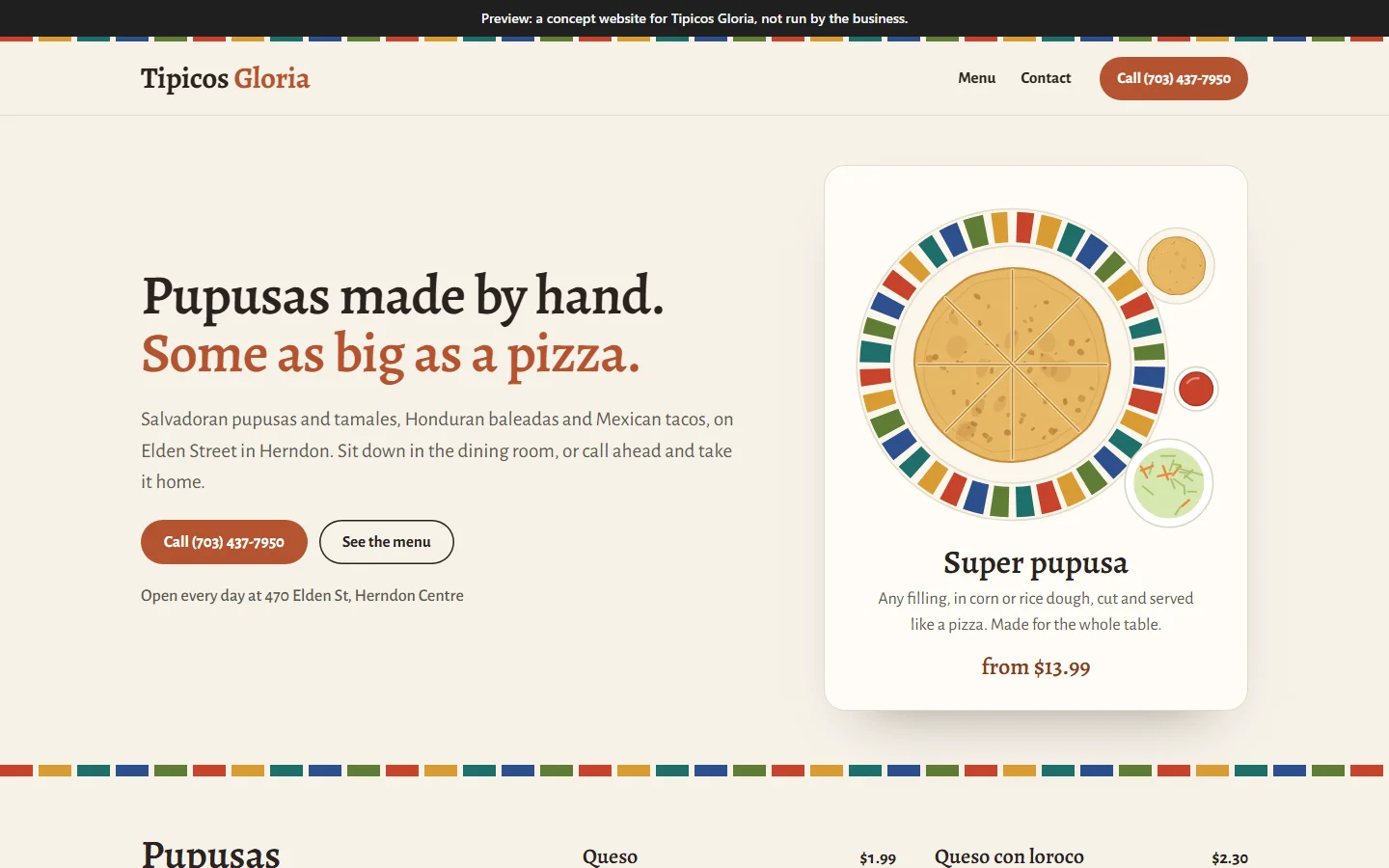
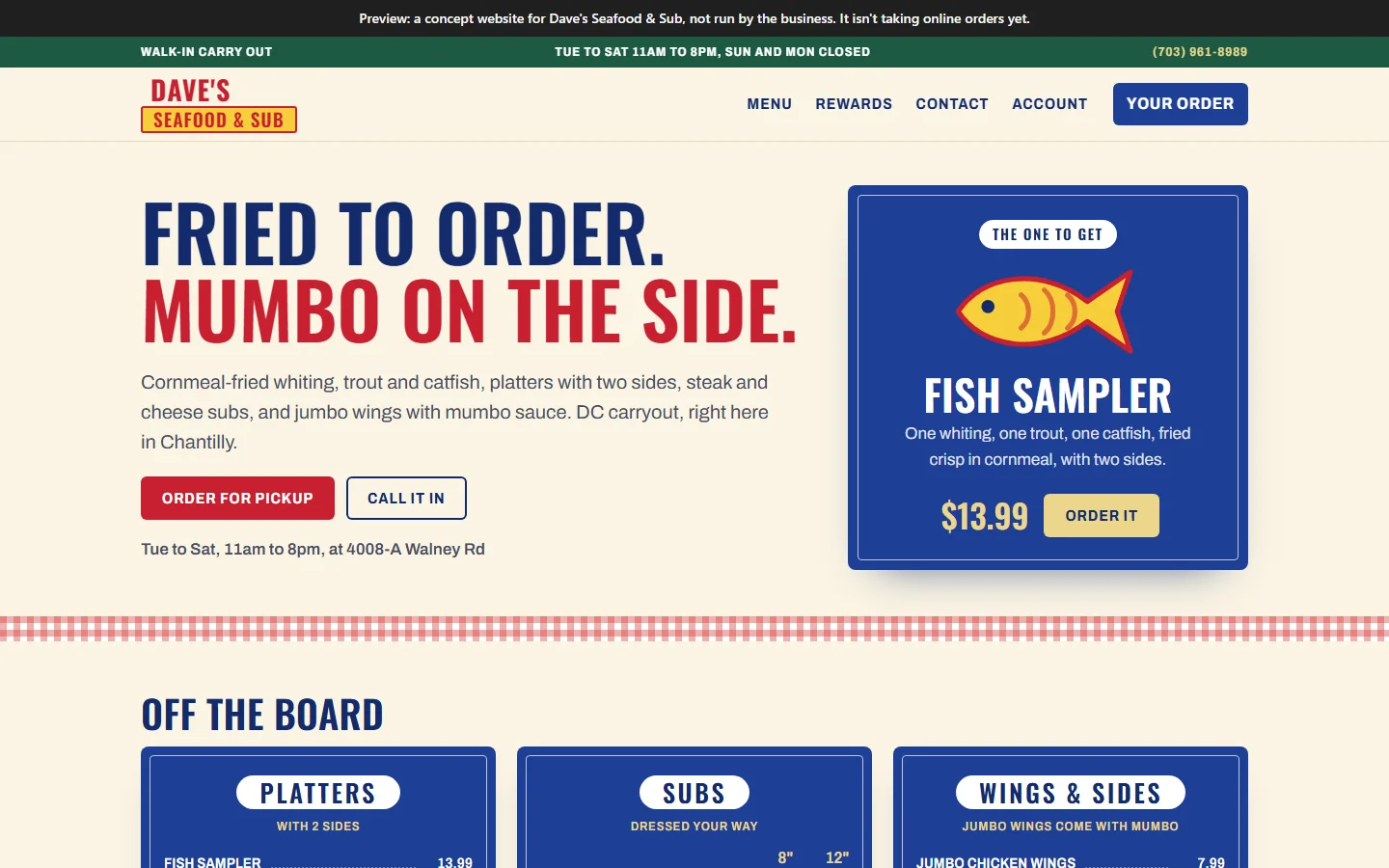
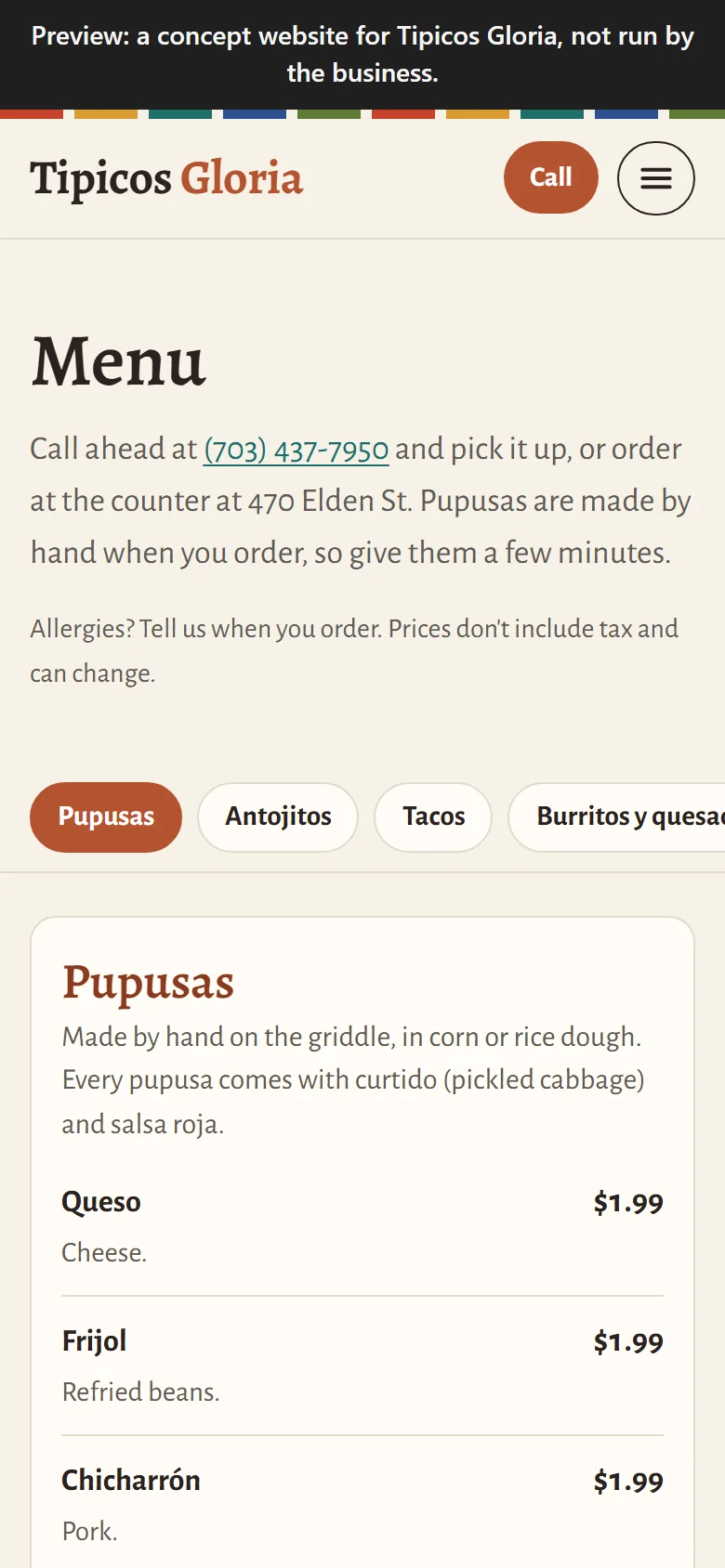
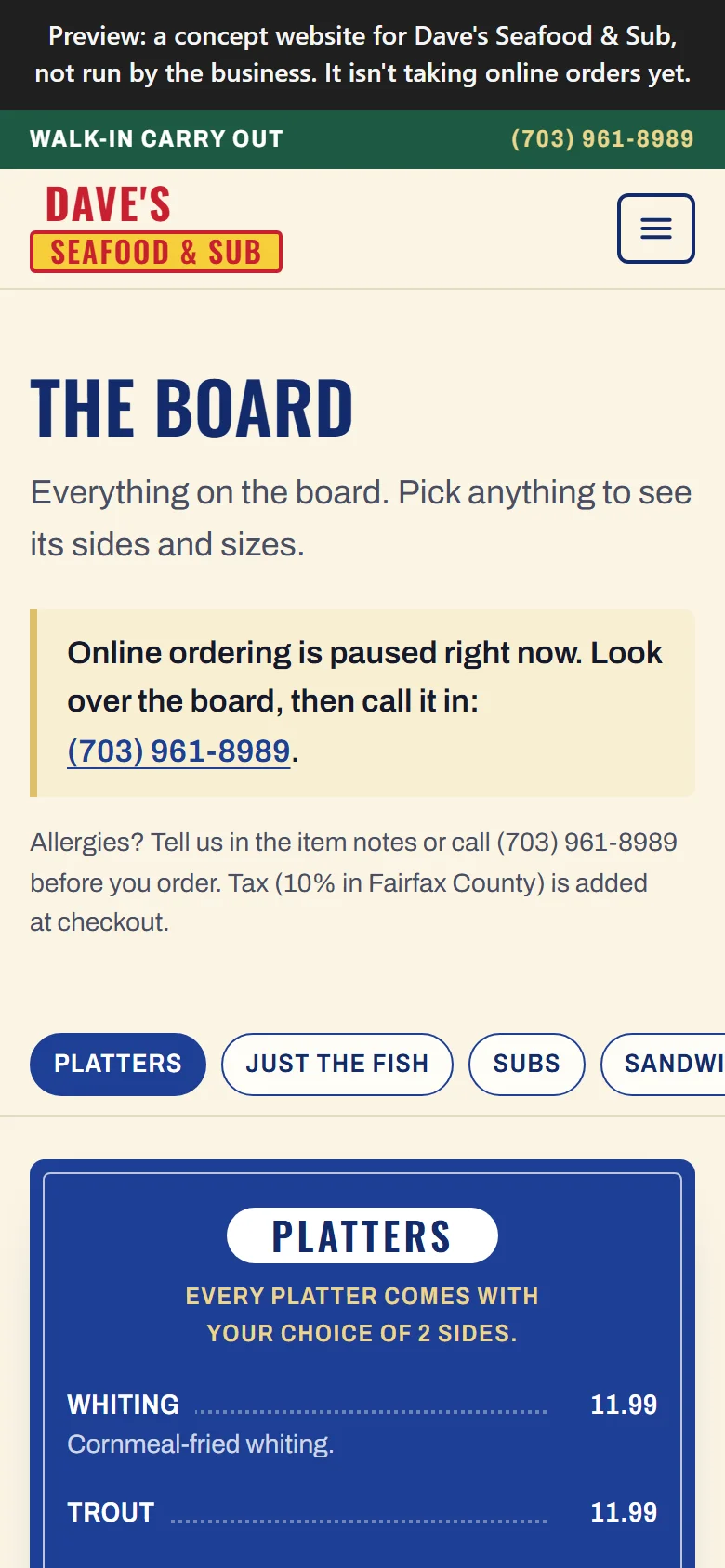
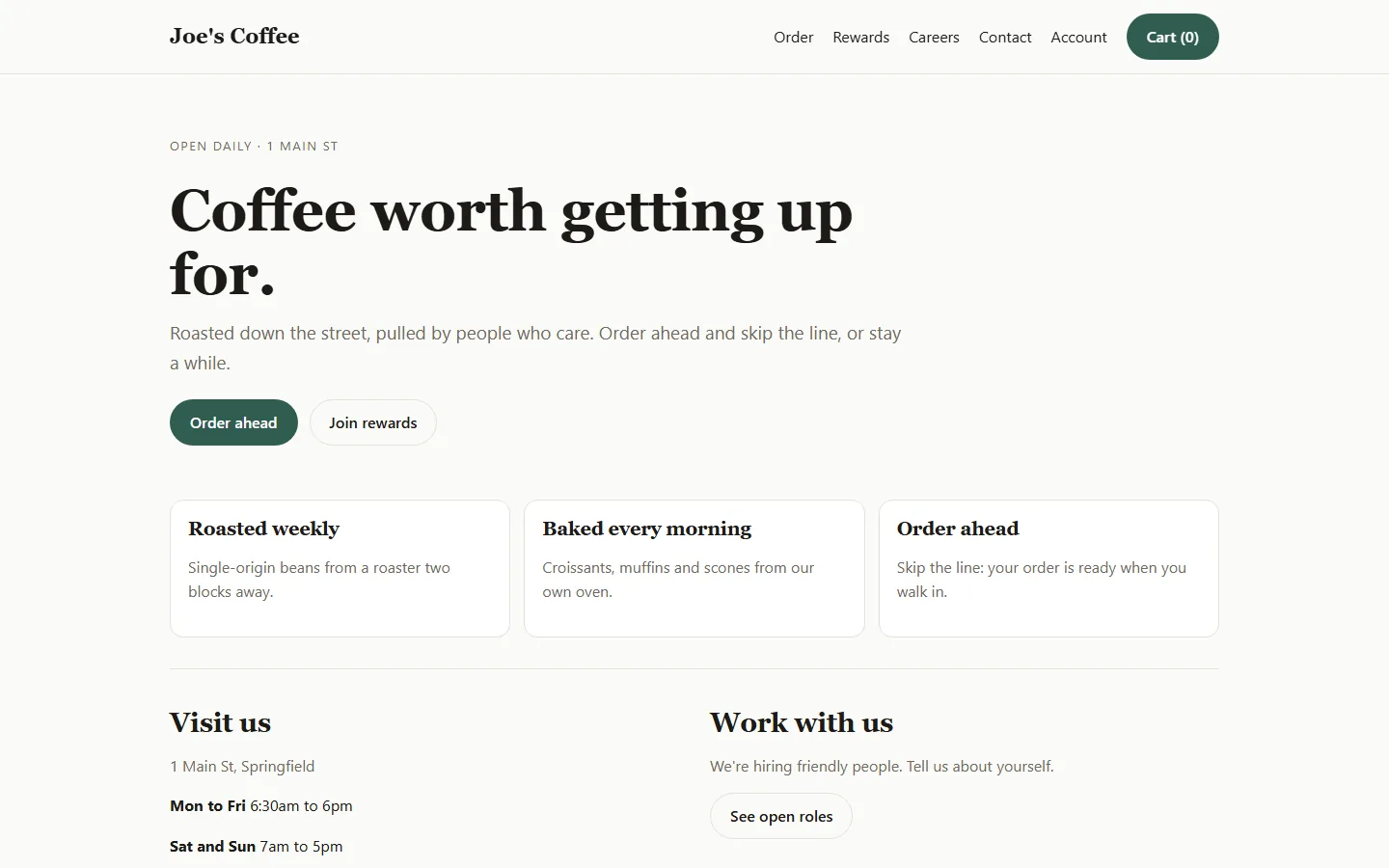
We study your place, then design your website from scratch around your food, your photos and your colors.
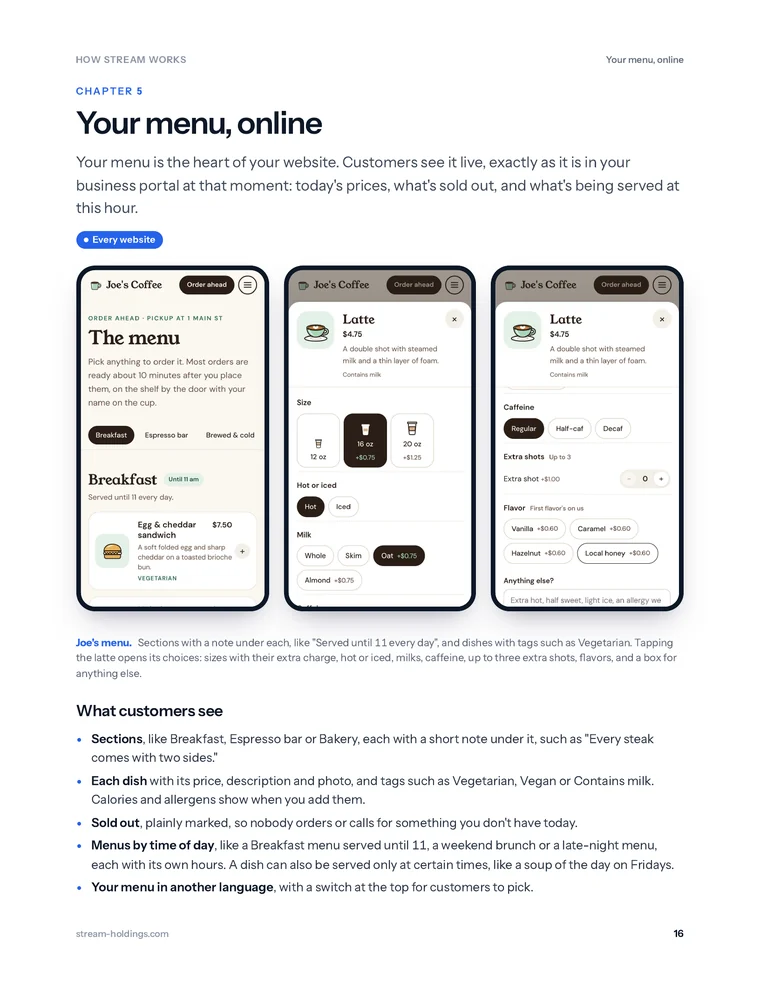
Guests pick their choices and the price adds up as they go. They pay by card, Apple Pay or Google Pay, into your own Stripe account.
A tablet and a Stripe card reader ring up the counter from the same menu as your website, with the same prices and choices.
Every order, online or at the counter, reaches the kitchen the way it works best for you.
Guests sign in on your website, not an app, and earn your rewards on every order, online and at the counter.
Online and counter sales side by side, your best sellers, and what each payout to your bank is made of.
No share of your sales, no fee on each order and nothing added to your prices.
How Sam’s $29.01 moves
Stream’s share$0.00
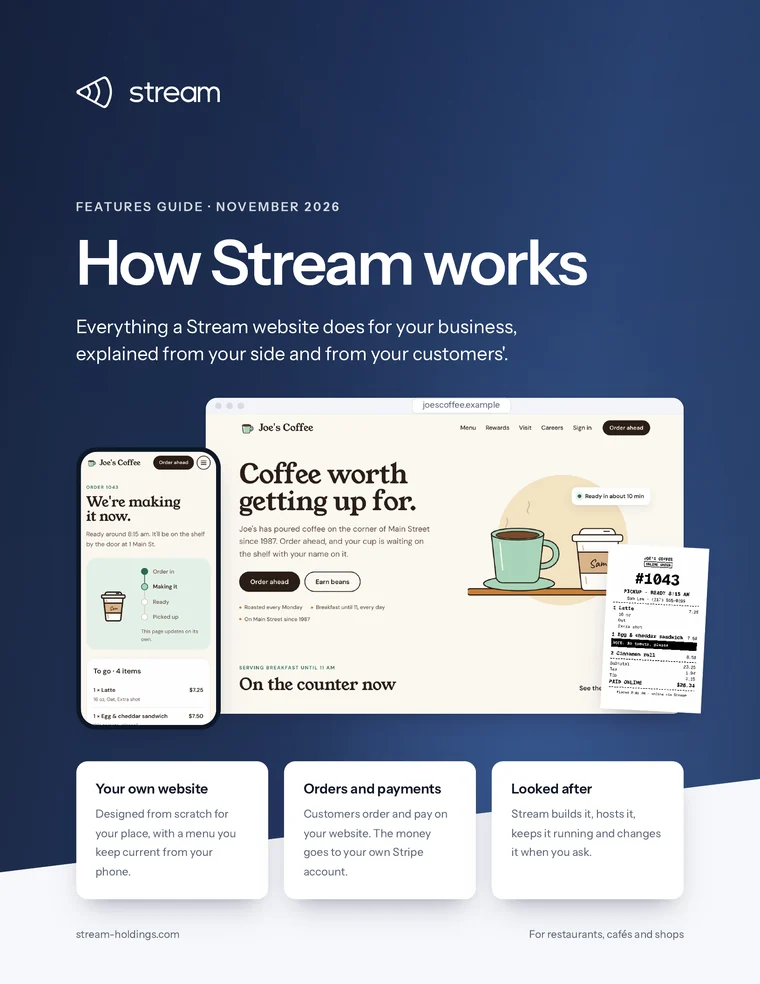
What happens when Sam orders breakfast from Joe’s Coffee, a made-up café, and what nobody has to do by hand.
8:00
Sam picks a latte with oat milk and an extra shot, a sandwich with a note and two cinnamon rolls on Joe’s website.
8:01
Sam pays $29.01 into Joe’s own Stripe account.
8:01
Ticket 1043 prints in the kitchen.
8:02
Maria accepts it on the order screen with one tap.
8:14
Sam gets an email that the order is ready.
8:16
Sam picks it up and earns 2,325 beans, Joe’s name for points.
2 days
Stripe pays the money into Joe’s bank by itself, less its card fee. Stream takes nothing.
Monday
Joe’s Monday email counts last week’s orders and sales.
Your money, your menu and your regulars, whether you stay or go.
Guests pay by card when they order, and the money goes to your own Stripe account. Stream takes nothing from your orders.
Change prices and dishes yourself. Every change is saved with who made it, and any version can be put back.
Guests sign in to your site, not an app, and earn your rewards. Their orders and messages land in your dashboard.
Cancel from your dashboard, and nothing more is charged after the month you’ve paid for. Your customer list, orders and menu download as spreadsheets.
Sites we designed for real local places, and a demo shop with every feature on. Open any of them and click around.
Write to Jeremie at jeremie@stream-holdings.com. We reply within two business days.
One monthly plan, paid by card from your dashboard, and four steps to your first order.
A call about your business, your guests and what’s slowing you down. We look at what you have today.
A site designed from scratch for your brand. No templates you’ll see on the restaurant next door.
Menus, rewards and forms set up with you, payments connected to your own Stripe account, live on your domain.
We keep your site up to date and add features as you grow: a rewards program this year, catering next.
Something else? Write to Jeremie at jeremie@stream-holdings.com.
One monthly plan, paid by card from your dashboard. Stream takes nothing from your orders: no commission and no fee per order. Stripe, which handles the card payments, keeps its standard card fee and sends the rest to your bank. Tell us about your place, and within two business days we’ll send ideas, a timeline and a price that says what the plan includes.
Cancel your plan from your dashboard: nothing more is charged after the month you’ve paid for. The money in your Stripe account is paid out to your bank, and your customer list, messages, orders and menu download as spreadsheets to take with you.
No. Orders can go straight into Square or Clover, print on a kitchen printer or ring on a tablet at the counter, whichever fits how your kitchen works. If you’d like a register too, Stream POS rings up the counter from the same menu, on a tablet with a Stripe card reader.
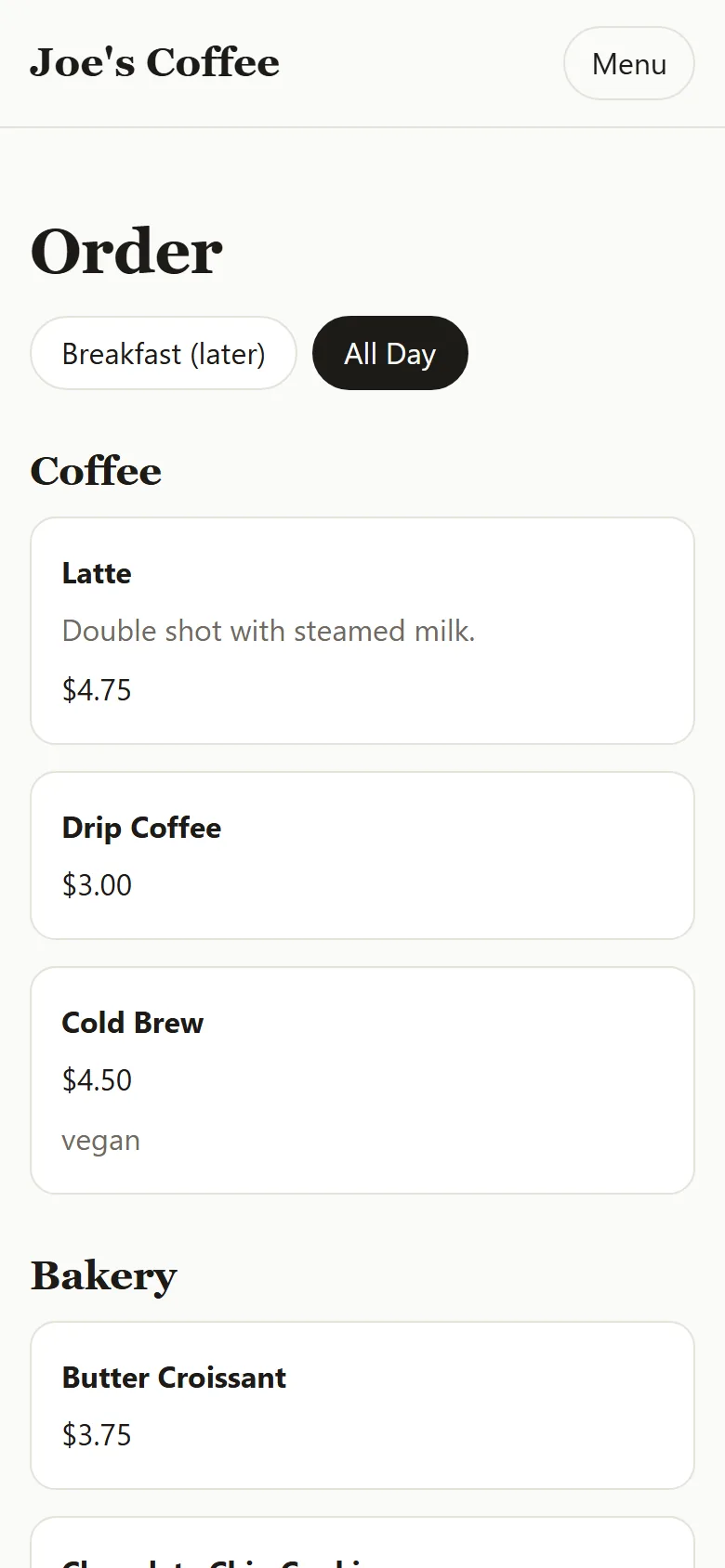
Yes. Prices, sold-out items, descriptions and new dishes, from your dashboard. Every change is saved, and any version can be put back.
Straight to your own Stripe account, then to your bank, usually about two business days after each payment. Guests pay by card when they order online.
We start from it: your photos, your menu and what already works. Then we design the new site from scratch, on your own domain.
Our features guide covers everything a Stream website does for your business, explained from your side and from your guests’, with pictures of each step.
We reply within two business days with ideas, a timeline and a price. There’s no obligation.
Start a project